Shopify Profit Tracker
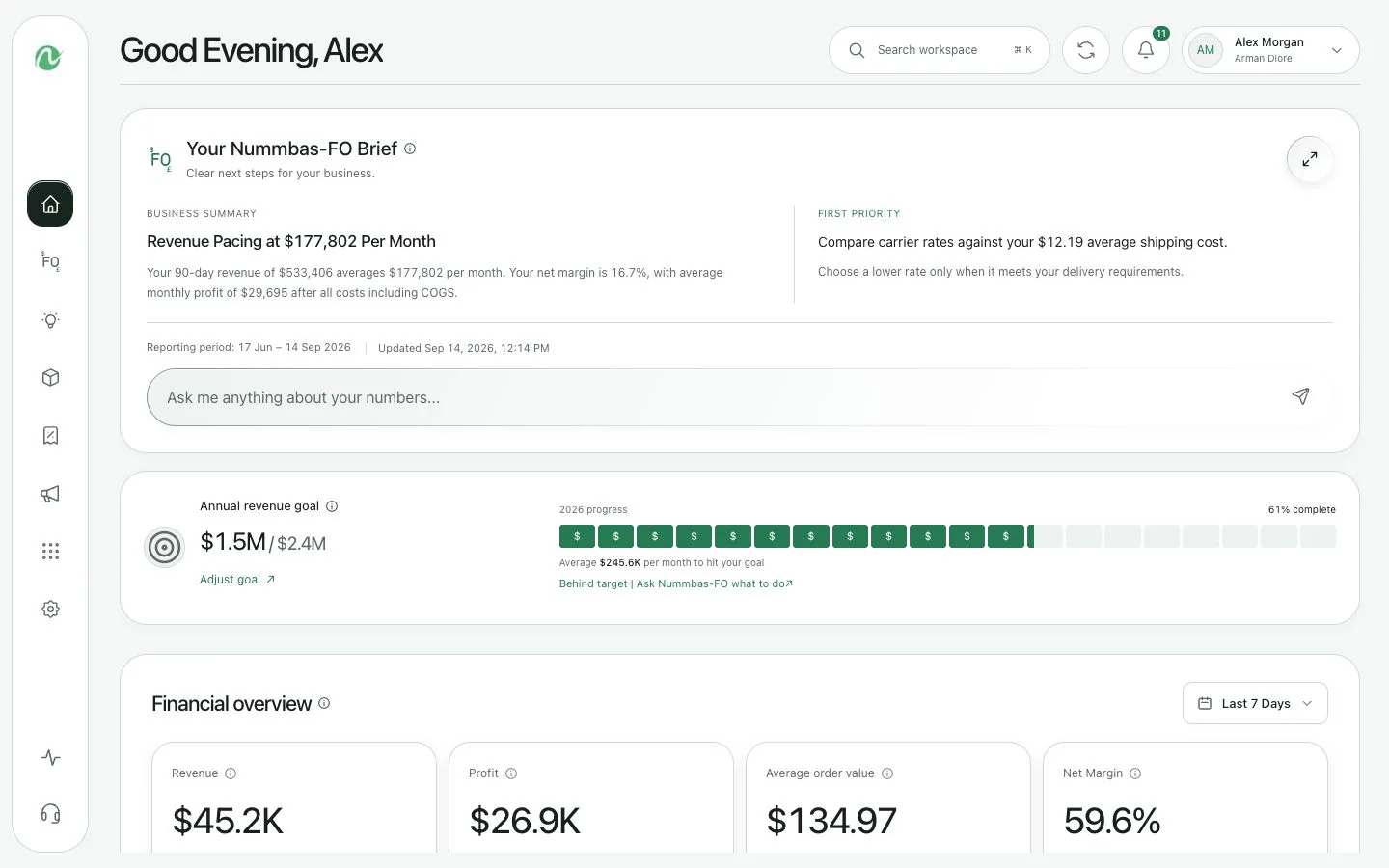
Track Shopify profit with payment fees, shipping costs, ad spend, and accounting data in one place so your dashboard matches the real business, not just top-line sales.
See sales, ad costs, and expenses in one place
Pull your Shopify sales, marketing costs, payment fees, shipping costs, and business expenses into one dashboard.
Know what you actually keep from each sale
See what is left after product cost, shipping, fees, and ads so you are not guessing based on revenue alone.
Compare Nummbas with the tools you already know
Jump straight to the TrueProfit, Lifetimely, and Triple Whale comparison pages if you are deciding between a few options.
What a real Shopify profit tracker should show
A useful profit tracker does more than subtract product cost from Shopify sales. It should show the cost structure behind every order and how that rolls up into your full business picture.
01
Track profit after fees, not just after sales
Pull Shopify revenue together with payment processing fees, shipping costs, refunds, discounts, and ad spend so each order reflects real contribution margin.
02
Connect accounting data for true net profit
A Shopify-only profit tracker misses payroll, software, rent, insurance, and every other operating expense. Nummbas connects QuickBooks and Xero so the full P&L is visible.
03
See the business, not just the store
Use the same workspace to monitor ROAS, customer LTV, cash runway, product margins, shipping performance, and weekly changes that need action.
If you start with Shopify, you still need to choose the right kind of tool
That is the real decision behind most "Shopify profit tracker" searches. Do you want a lightweight Shopify app, an LTV-focused analytics tool, or a broader finance layer that also pulls accounting and cash context into the same view? These pages make that tradeoff clearer.
TrueProfit alternative
Best if you are deciding between a lightweight Shopify profit app and a broader finance layer.
Lifetimely alternative
Best if your real choice is predictive LTV and cohorts versus a fuller profit and cash view.
Triple Whale alternative
Best if you are weighing attribution-first analytics against profitability-first decision making.
What feeds the profit number
Your margin view is only as good as the data behind it
Most Shopify profit apps stop at store data. Nummbas also pulls ad spend, payment fees, shipping costs, refunds, and accounting expenses so the profit number is closer to what actually lands in the business.
Shopify orders
Meta and Google ads
Stripe and payment fees
Shipping and fulfillment
QuickBooks or Xero
Returns and refunds
One operating view
See the same business from the order level up
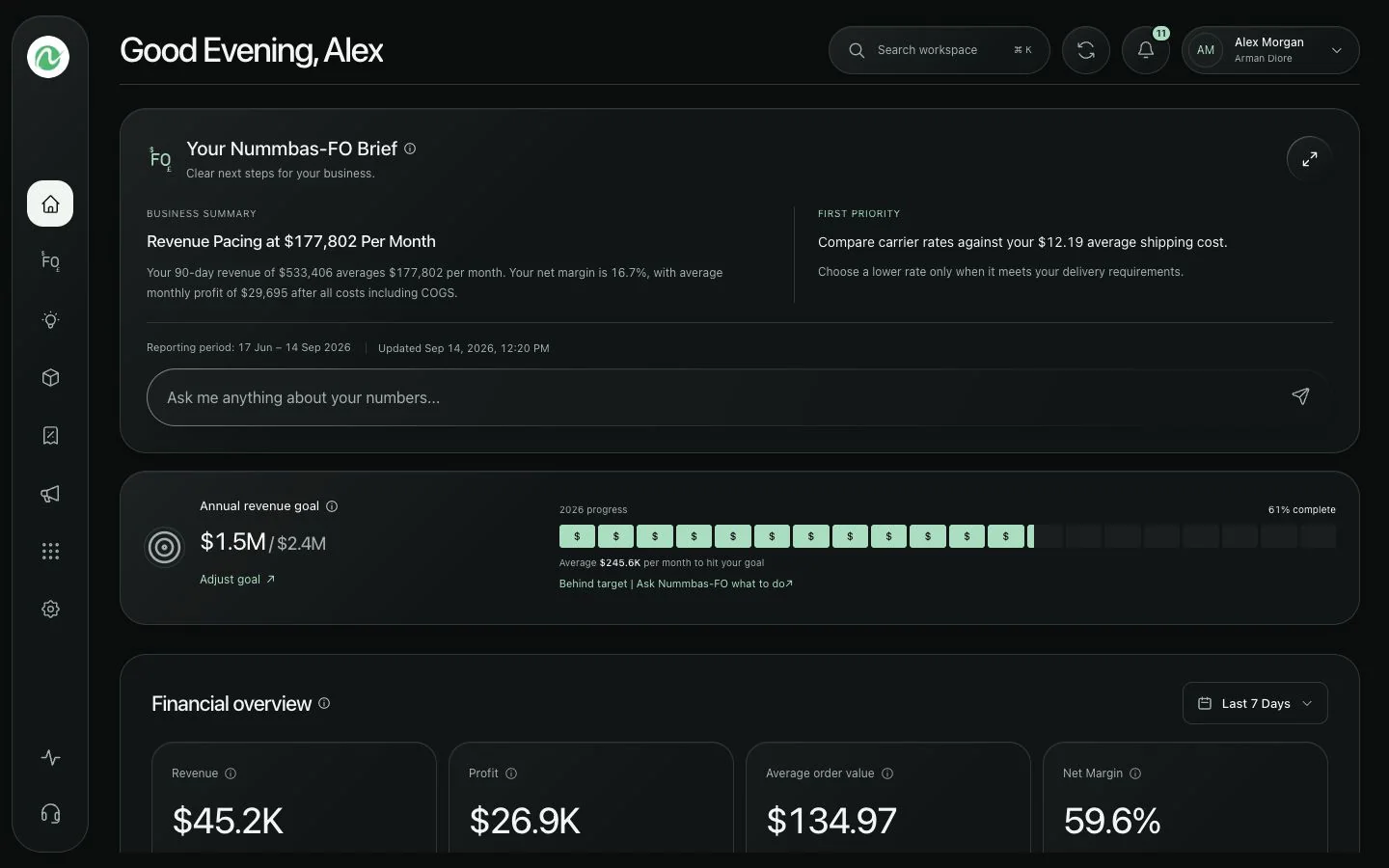
Review revenue, fees, ad spend, cash runway, and product margins without stitching together five different tools first.
Related guides for the rest of the stack
Use these if you are also deciding how to reconcile payouts, model fees, or choose the accounting software behind your reporting.
Shopify Fees Breakdown
Understand the plan, payment, and app costs that quietly reshape your margins.
Shopify Profit Margin Calculator
Turn fee assumptions into a real per-order margin model before you scale spend.
Best Ecommerce Accounting Software
Choose the accounting stack that keeps Shopify payouts, fees, and tax records clean.